Blog

Stories & guides

Practical, honest writing about images, the open web, and building tools you can trust.
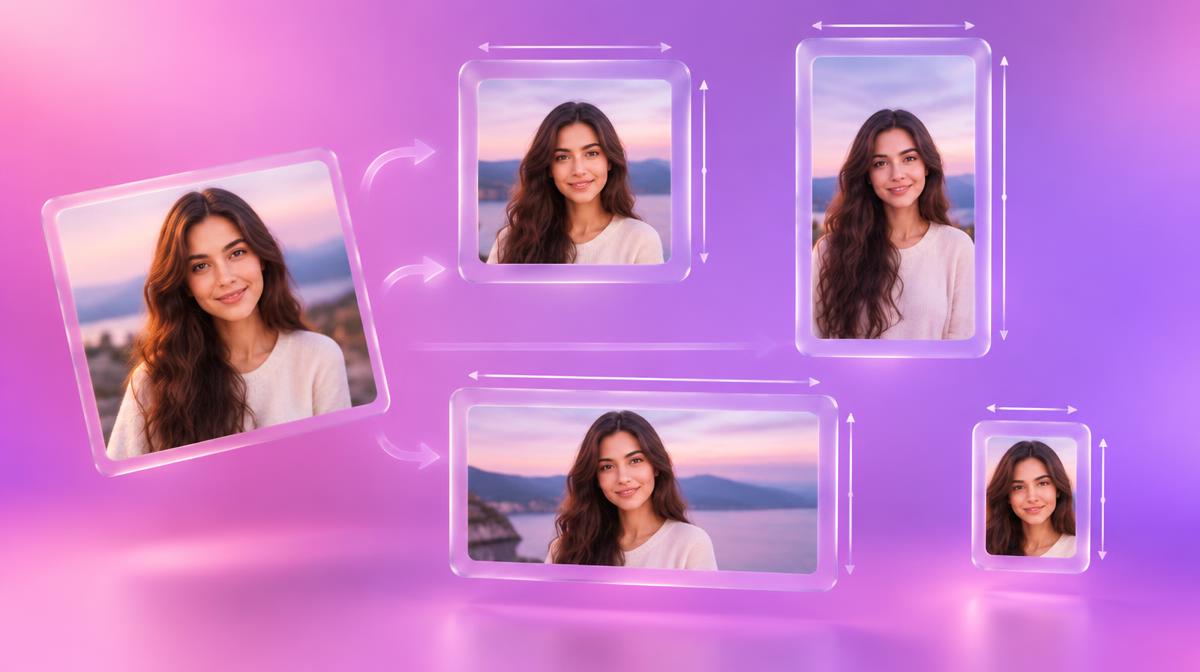
3D illustration of one photo resized into square, portrait, wide banner and small profile frames
Guides

How to Resize an Image Without Losing Quality (Free, 2026)

Resize photos for Instagram, YouTube, passports or email in seconds — exact pixel sizes, no stretching, no blur, no upload. A clear guide with a size cheat sheet.

Oct 13, 2026 8 min read
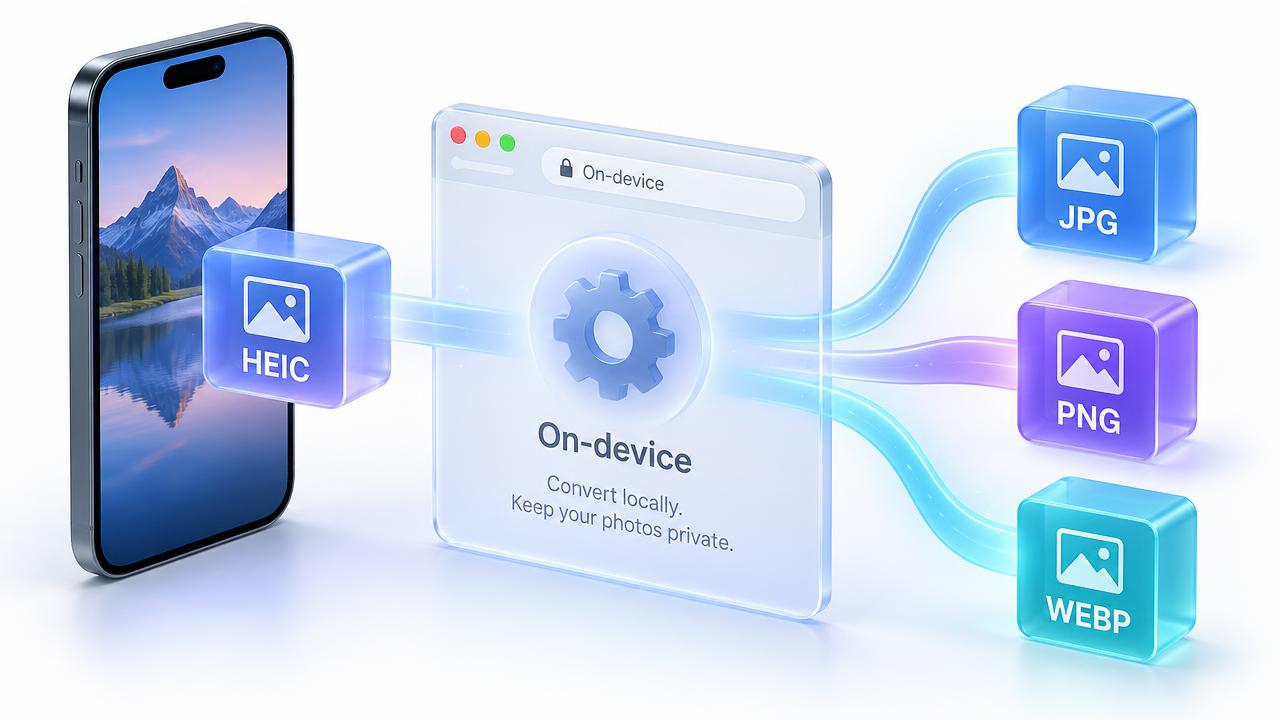
3D diagram of an iPhone HEIC photo converting to JPG, PNG and WebP on a Windows laptop
Guides

Convert HEIC to JPG on Windows for Free (No Watermark, No App)

iPhone photos won't open on your PC? Convert HEIC to JPG, PNG or WebP on Windows 10 or 11 in seconds — free, no watermark, no install, no upload.

Oct 10, 2026 9 min read
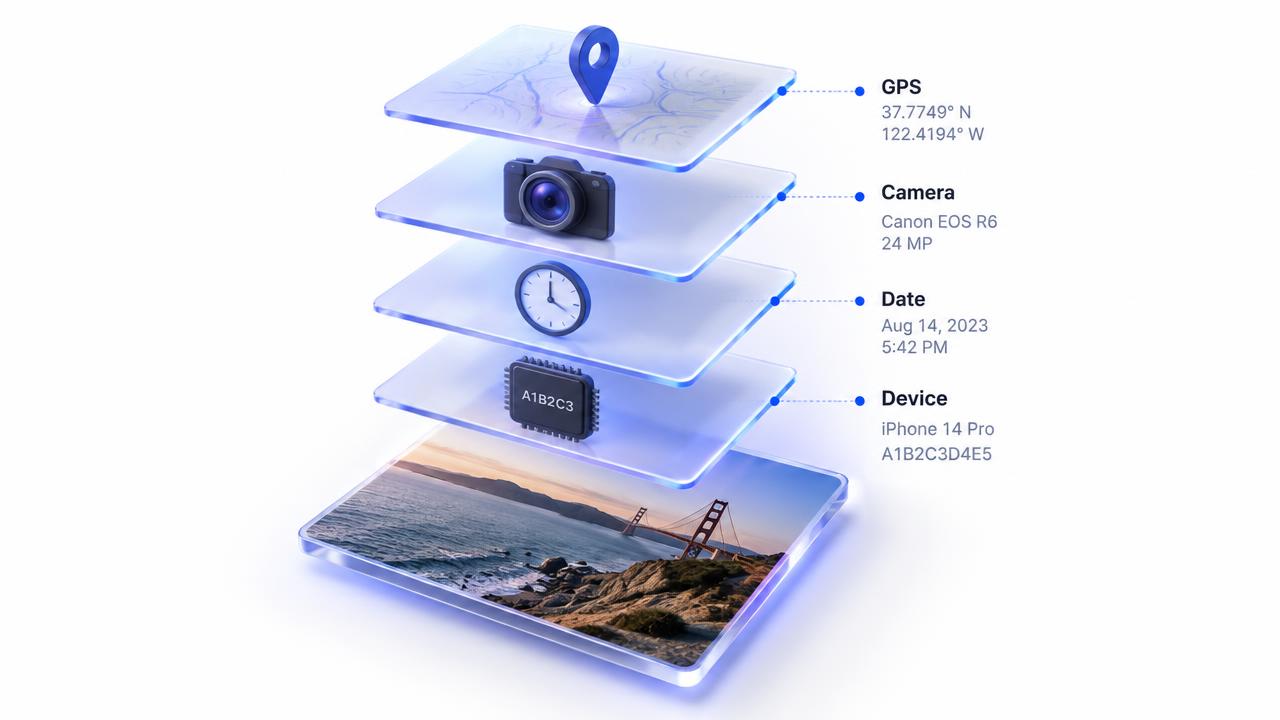
3D diagram revealing GPS location, camera model and date metadata hidden inside a photo
Privacy

Hidden Data in Your Photos: Remove Location Before You Share

Every photo can quietly carry your GPS location, phone model and the exact time it was taken. Here's what's hidden, why it matters, and how to share photos safely.

Oct 10, 2026 8 min read
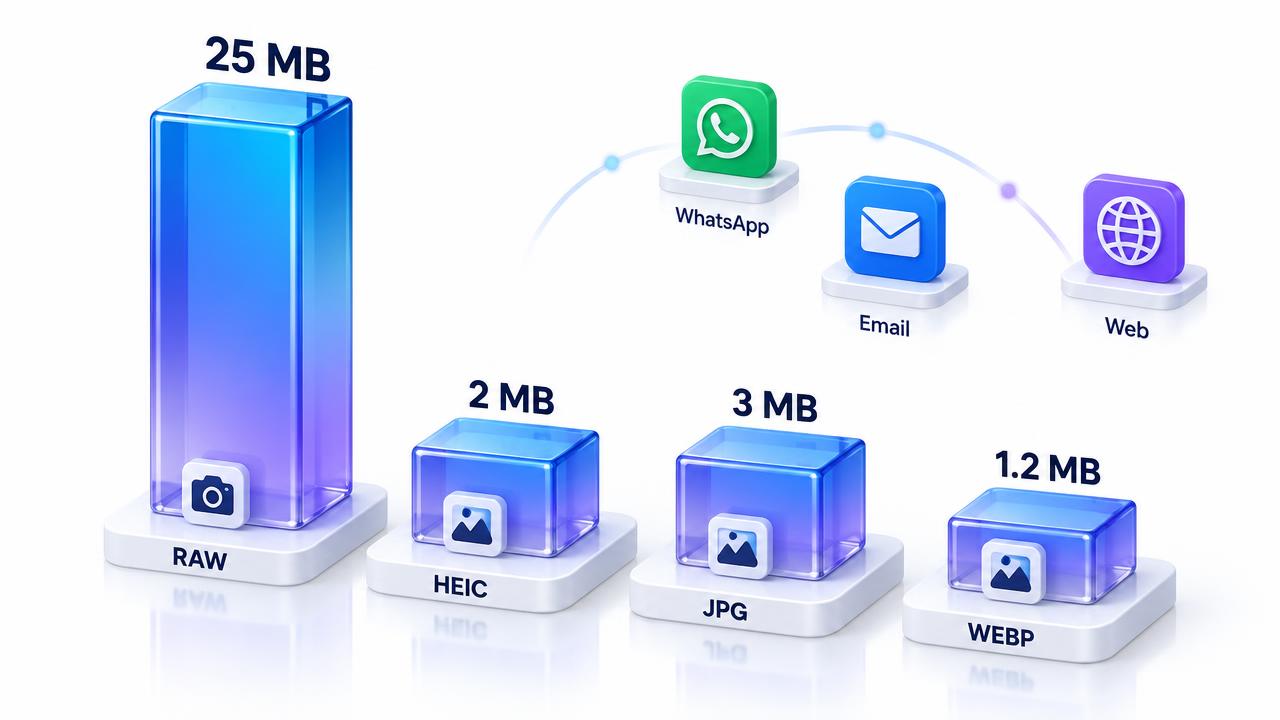
3D diagram comparing photo file sizes across formats with limits for YouTube, WhatsApp and email
Guides

Image Size Limits 2026: Compress for YouTube, WhatsApp & Email

Upload rejected for being too big? Learn the real size limits for YouTube thumbnails and banners, WhatsApp and email — and how to shrink images without visible quality loss.

Oct 10, 2026 8 min read
Documents and photos being combined into a PDF on a desk
Guides

How to Convert JPG to PDF Free (No Upload, 2026)

Turn one or many JPG photos into a single PDF in seconds — right in your browser, with no signup, no watermark and no file upload.

Oct 07, 2026 7 min read
Laptop showing website code and images side by side
Guides

WebP vs JPG vs PNG: Which Image Format to Use in 2026

A simple, practical guide to choosing between WebP, JPG and PNG for websites, social media, print and email — with real file-size comparisons.

Oct 06, 2026 8 min read
Designer comparing image converter tools on a laptop
Comparison

Best Free Image Converter in 2026: 7 Tools Tested

We tested 7 free image converters on the same 5 MB JPG — here's which finished fastest, which uploaded your file, and which we'd actually use.

Jun 05, 2026 9 min read
Photographer reviewing image files on a screen
Guides

How to Compress an Image Without Losing Quality (2026)

Real techniques to shrink JPG, PNG, and WebP files by 50–80% with zero visible quality loss — for faster pages, lighter emails, and crisp social posts.

Jun 04, 2026 8 min read
Portrait with the background cleanly removed
Guides

Remove Background From a Photo Online (Free, 2026)

The fastest free way to get a clean cutout — works for portraits, products, and pets. We compare remove.bg, Canva, Photoroom, and Pixnova.

Jun 03, 2026 6 min read
Analytics dashboard on a laptop showing search performance
SEO

Free SEO Tools That Actually Work in 2026

You don't need a $200/mo SEO stack to rank. A curated set of genuinely free tools — audits, keyword research, SERP analysis, image SEO — for small sites.

Jun 05, 2026 10 min read
Graphic designer working in a colorful workspace
Comparison

Pixnova vs Canva: Best for Quick Image Edits?

Canva is a brilliant design suite — but it's overkill (and not private) for a quick JPG conversion or background removal. Here's an honest, side-by-side comparison.

Jun 02, 2026 7 min read
Creative editing software open on a desktop monitor
Comparison

Pixnova vs Adobe Express: Private, No-Signup Alternative

Adobe Express is powerful — and tied to your Adobe ID, your cloud library, and a queue of server-side processing. Here's why Pixnova is a faster, more private fit for one-off image tasks.

May 28, 2026 6 min read
Cloud servers and network cables in a data center
Comparison

Pixnova vs CloudConvert: Private Image Conversion

CloudConvert is reliable, but every file you convert goes through their servers in Germany. Here's why a browser-local converter is faster and safer for everyday image jobs.

May 22, 2026 6 min read
Portrait photo with a soft neutral background
Guides

Remove an Image Background Free, No Signup (2026)

A step-by-step guide to removing photo backgrounds in your browser — free, watermark-free, no account, and 100% private. Works on portraits, products, and pets.

May 20, 2026 5 min read
Modern image studio interface on a laptop screen
Product

Meet the New Pixnova: A Full Private Image Studio

Pixnova just grew up. It's no longer one tool — it's a full private image studio. Here's a tour of every service, what it does, and when to use it.

May 18, 2026 5 min read
Photographs spread out on a desk for review
Guides

JPG vs PNG: Which image format should you actually use?

A practical, no-jargon guide to choosing between JPG and PNG — with real-world examples for photographers, designers, and everyday users.

May 12, 2026 6 min read
Laptop screen showing a privacy padlock icon
Privacy

Are Online Image Converters Safe? What to Know

Most online converters quietly upload your photos to servers you've never heard of. Here's how to spot the safe ones — and why client-side tools win.

Apr 28, 2026 5 min read
Web performance chart on a laptop screen
Performance

How to optimize PNG files for the web without losing quality

PNG is lossless — but it doesn't have to be huge. Five practical techniques to shrink PNG files for fast websites without any visible quality loss.

Apr 14, 2026 7 min read

How we publish and share new guides

Every guide is written and checked by the PixNova team before it goes live. When we publish or update an article it is added automatically to our public sitemap and RSS feed, and we notify search engines that support the open IndexNow standard (such as Bing). This only helps search engines find new pages sooner — it doesn't pay for or influence rankings. You can follow the RSS feed in any feed reader to get new guides as they're released.